Skip to main content
August 28th, 2003
- The old CVS repository on qnxzone.com is no longer being used. All the source has been moved to the sf.net project. Anyone that had commit access before should contact me to get access to the sf project.
- #eqip is now on irc.freenode.org.
August 25th, 2003
- Title changed again, to reflect the original meaning of eQip: Embedded QNX on Intelligent Platforms
August 20th, 2003
- Title changed from QNX on Pocket/Personal Devices to QNX on Information Appliances -jlv
April 21st, 2003
- New images uploaded. Fixed some bugs, added some features. Check the README.
- Download it here.
April 14th, 2003
April 1st, 2003
- 38xx support updated. Fixed a lot of 38xx bugs (calibration failures, batter/power status, ...)
- Added in support for the realtime clock so date/time isnt lost.
- Moved system to QNX 6.2.1.
- Download it here.
November 28th, 2002
November 12th, 2002
- Added in the FAQ jlv did up a while back.
October 1st, 2002
- Added in builds to the download area.
- Testing and release builds will uploaded here with prebuilt ifs/efs as well as sources.
September 3rd, 2002
- Got C++ development working for ARM on NC. (shout-out to Colin Burgess for the help).
- Install this package.
- You will also need to add a symlink by hand..."ln -s /etc/qcc/gcc_ntoarmle_gpp++.conf /etc/qcc/gcc_ntoarmle++.conf".
- SE/PE users can do this as well, but it will turn off Dinkum as the default C++ library.
August 10th, 2002
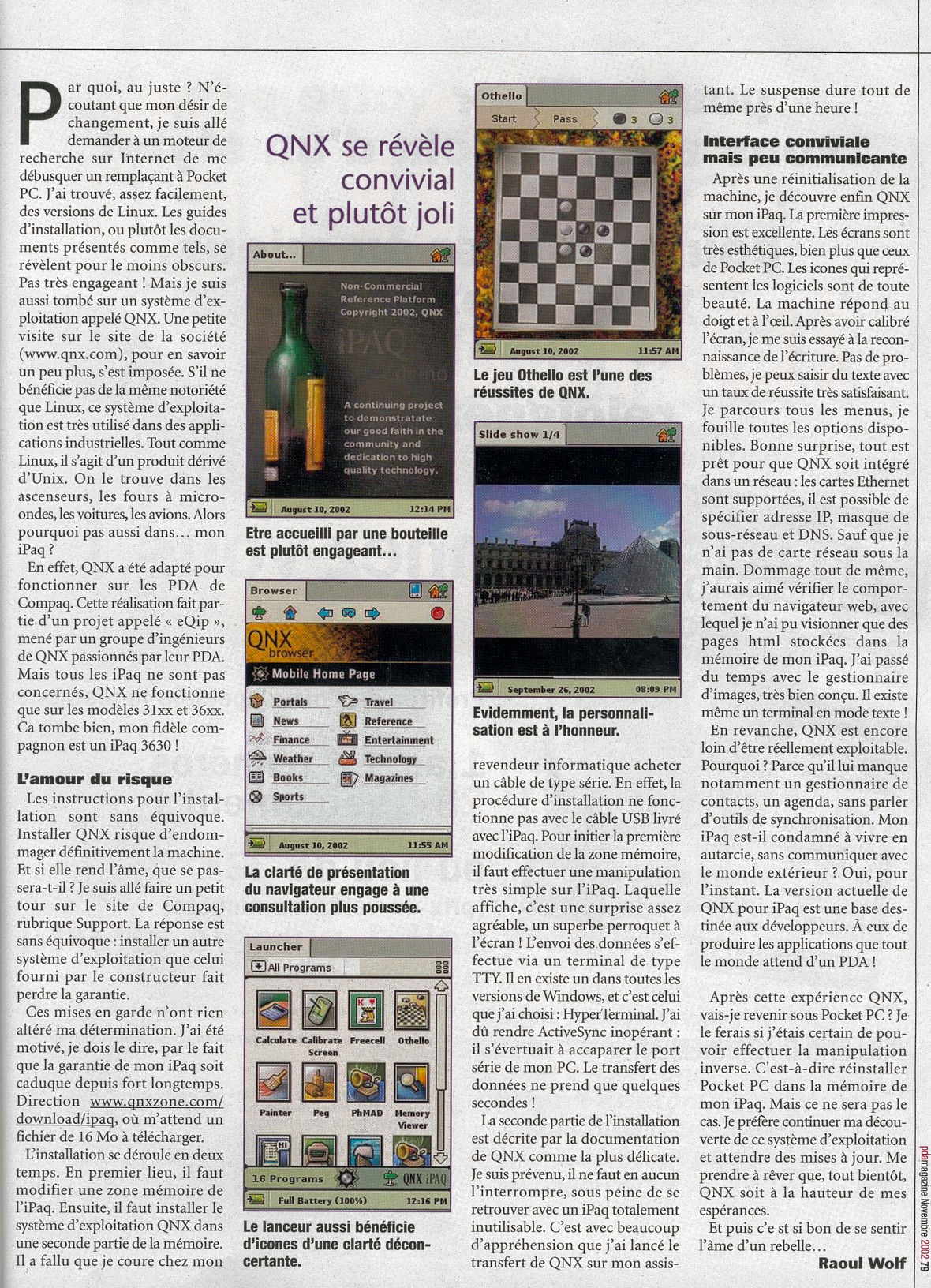
- Replaced the old screenshots with funky new onces.
August 8th, 2002
- Website re-vamped. Direct all flames to Chris.
- Anonymous CVS now open to the public.
June 10th, 2002
- Added a document for settings up ppp on the ipaq.
May 31st, 2002
- Project renamed eQip from qPaq since it will be running on other devices and not just Compaqs iPaq.